Most creative agency leaders find out a project is in trouble the same way: someone tells them.
Maybe a PM flags it in the Monday standup, or an account manager sends a message that starts with “just so you're aware.” Or sometimes the client gets there first. By then, the project might have been drifting for days, sometimes longer, and the first time anyone with the authority to actually fix it hears about the problem is when it's already become expensive to do so.
This is the visibility problem.
It's not that the information doesn't exist. At any given moment, you can probably find out what's happening on a project if you look hard enough: a few tasks have been completed, some files are waiting for review, an approval is still sitting with the client, and the deadline is getting closer than anyone would really like.
The problem is that all of this information is scattered across task boards, file folders, email threads and Slack messages. None of it automatically comes together and says, “Hey, this project might need some attention.”
So agency leaders end up relying on check-ins, status meetings and, to some extent, gut feel. They ask, and people answer. And the answer is almost always some version of “we're on track.”
Until it isn't.
The cost of asking
There's the obvious version of this problem: the project that was “fine” on Thursday and a crisis by Monday. But the more pervasive cost is what happens before the crisis.
When visibility depends on asking, asking becomes part of the job.
The Creative Director asks the PM how things are going. The PM asks the designer. The designer says they're waiting for client feedback, so now someone has to find out whether the client has actually been chased. None of these conversations is particularly painful on its own, which is probably why nobody thinks of them as a real cost.
They're five minutes here, ten minutes there, a quick Slack message between meetings. And yet across twenty projects, all those little requests for updates start taking up a surprising amount of someone's week.
There's another problem with this model, too. You're getting someone's interpretation of what's happening, rather than the state of the project itself.
That's not necessarily a bad thing. The person closest to the work will often have context that a dashboard can't possibly capture. But they're also busy, they're making judgment calls, and sometimes they're hoping they'll sort something out before anyone needs to know about it.
The trouble is that by the time somebody finally says, “We might have an issue here,” there may not be much room left to fix it.
A project that becomes risky on Monday is a very different thing from one that becomes risky on Friday afternoon, when delivery is Tuesday. The problem might be exactly the same. What has changed is the amount of time you have to do something about it.
And that's really what project health is supposed to help with: seeing the problem while there's still time to respond.
The fix isn't better check-ins or more disciplined status updates. It's a system that doesn't need them.
QuickProof is built around three things:
- a clear baseline to measure the work against,
- signals that come from the work itself rather than someone's interpretation of it, and
- a way to get those signals in front of the right person without anyone having to manually escalate them.
Here's what each of those looks like in practice.
1. Defining what done looks like
You can't really measure whether a project is healthy if you haven't first agreed on what the project is supposed to deliver. That's the brief - and in QuickProof, it's the foundation everything else is built on.
Every project in QuickProof starts with a structured brief that defines the deliverables both sides have agreed to: formats, quantities, specs, and the number of revision rounds included in the scope.
Once the brief is approved, every deliverable lives on the project board and traces back to something both sides have signed off on. Work can't just appear from nowhere. If the scope changes, the brief reopens, the change gets agreed, and then the work begins.
So the brief isn't a document that kicks off the project and then disappears into a folder somewhere. It stays connected to the work for as long as the project is alive, which is what gives you something concrete to measure project health against.
2. Measuring both progress and health
Knowing what was agreed is the starting point. But once the work is underway, you need to know two different things: how much has actually been completed, and whether you're still going to finish on time.
Most tools are pretty good at showing the first one.
That's progress: how much of the agreed scope has been completed.
The problem is that task activity isn't necessarily the same thing as deliverable progress. A team can tick off fifty tasks and still have very little that is actually approved and ready to go to the client. You can be extremely busy and not necessarily be very far along.
In QuickProof, brief progress is tied to the deliverables themselves: how many have cleared each stage of production and approval. The number comes from actual events in the system - file approvals, internal sign-offs, client decisions - rather than simply counting how much activity has happened.
The second signal is health: whether the brief is still on course to hit its deadline.
And this is where progress alone falls short. A brief that's 75% complete with one day left and several deliverables still sitting in client review doesn't look particularly healthy, even though “75% complete” sounds pretty good. Health needs to tell you something about the direction the project is heading, not just where it happens to be right now.
Most project management tools do surface useful automatic information - overdue tasks, how close you are to a deadline, completion percentages and so on. Those things are helpful.
But the headline health status - the one that eventually appears in a portfolio view and tells a leader whether a project is on track or in trouble - is often still a manual field. Someone sets it, remembers to update it once a week if they're on top of things, and the final judgment is still based on someone's read of the situation.
The problem isn't necessarily that people make bad calls. It's that the summary is always a little behind what's actually happening. It's filtered through someone's interpretation, and when you're close to the work, there's a natural tendency to think, “We'll probably be fine.”
There's also a more fundamental problem for creative teams specifically: task completion is only one part of project health.
A project can be completely on schedule from a task perspective while being stuck at the review stage. Maybe the client hasn't responded in a week. Maybe feedback is unresolved. Maybe an approval is still pending.
So a useful measure of project health needs to look at more than task completion. It needs to consider what's actually happening around the work: approvals, reviews, deadlines, revision rounds, blocked tasks, scope changes and anything else that could affect the delivery date.
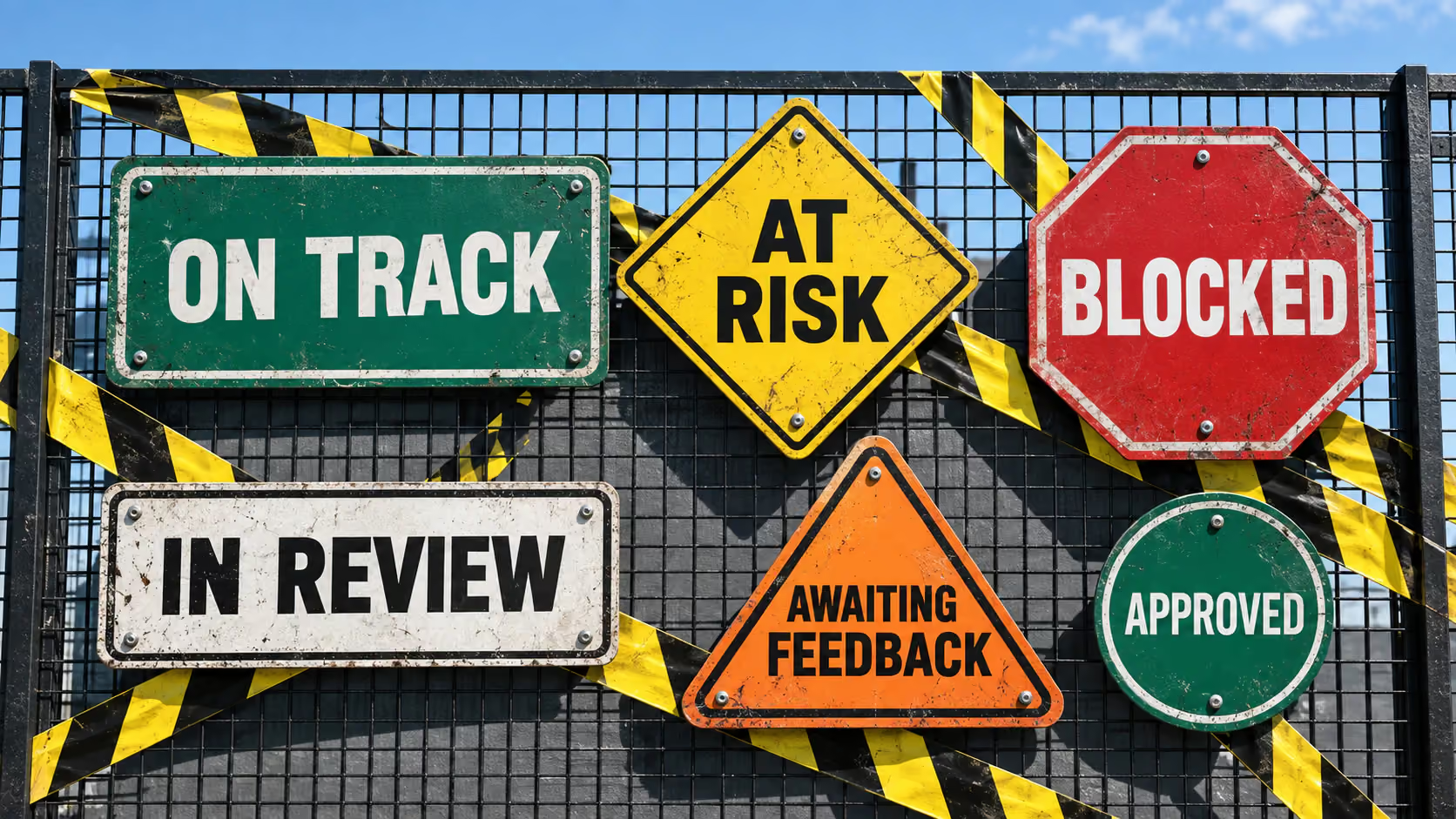
In QuickProof, a brief's health state - On Track, At Risk, or Delayed - is derived automatically from what's actually happening in the project.
So when something becomes At Risk, it's not just a generic warning that says, “Something's wrong.”
The system can surface what's causing the problem: the team is behind on production, a deliverable is blocked waiting for a client decision, or the project is heading into revision rounds beyond what was originally agreed. Those are very different problems, and they need very different responses.
Together, the two signals give you a much more useful picture.
Progress tells you where you are.
Health tells you whether you're going to get done on time.
3. Showing it to the right people
A health signal is only useful if it reaches the person who needs to do something about it. A Creative Director who has to open twenty brief records to work out which projects need attention technically has access to the information. They don't really have visibility. Those are two different things.
QuickProof's dashboard is role-aware, so different people see different views of the same underlying project data without anyone having to build separate reports or compile summaries.
Agency heads and project leads can see the health of the briefs they're responsible for - how many are On Track, At Risk or Delayed, how work is progressing, and what's happened recently. The information they need to decide where their attention should go is already there when they open the dashboard. They don't have to ask someone for an update first.
A creative team member sees something different: their assignments, what's due, and what's been sent back for revision. They need a work queue, not a management dashboard. The health metrics that matter to the person running the account aren't necessarily useful to the designer trying to finish today's work, and there's no reason both people should have to look at the same thing.
Nobody has to manually curate these views or keep a dashboard updated. The information is already being generated by the work itself - the tasks, files, approvals and decisions that are happening throughout the project.
The system reads what's happening. The right people see what they need to see.
The practical result: finding out earlier
This is ultimately what project health is for: Finding out early enough to do something about the problem.
If a project becomes At Risk on Wednesday morning, there's still time to intervene. You can move someone onto the work, chase an approval, talk to the client about scope, or adjust the delivery plan.
If you discover the same problem on Friday afternoon, with a Tuesday deadline, you've lost most of that room to manoeuvre.
One conversation is an intervention. The other is a fire drill.
And projects are always going to go sideways sometimes. Clients change their minds, feedback takes longer than expected, someone gets pulled onto another account, and a “quick” revision turns into another round of revisions.
That's just creative work.
Good project management isn't about pretending you can eliminate all of that. It's about making sure that when something starts to go wrong, the people who can actually do something about it find out while there's still something useful they can do.
That's what project health should really tell you.
Not just how much have we done?
But given what's happening right now, are we still going to get there?
And if we're not, who needs to know?