Every designer has stared at a project folder that looked something like this:
- hero_banner_final.psd
- hero_banner_final_v2.psd
- hero_banner_FINAL_ACTUAL.psd
- hero_banner_FINAL_ACTUAL_useThisOne_pleaseGod.psd
- hero_banner_v23_finalFinal_forRealThisTime.psd
Can you tell which one's actually final? Neither can we, and most days, neither can whoever's supposed to be sending it to the client.
Most designers hold onto old files for good reason. A client might ask to revisit an earlier direction weeks later, or someone might need to check exactly what was approved and when. But the trouble is that keeping everything without a system just produces a folder with fourteen versions of the same file and no clear way to tell which one matters right now.
That's the problem versioning is supposed to solve: knowing which file you're supposed to be working from, or which one is safe to send out. Ideally, the creative software you're already using would just handle this for you, but most of it doesn't.
So we asked one 3D production studio's design team how they actually handle this on real client work. What follows is a naming convention you can implement manually on whatever setup you've got, no new tool required.
The whole thing runs on two numbers: one that tracks internal rounds, and one that tracks client-reviewed versions. Here's how they work.
Rounds
The first thing the design team walked us through was where the count actually starts.
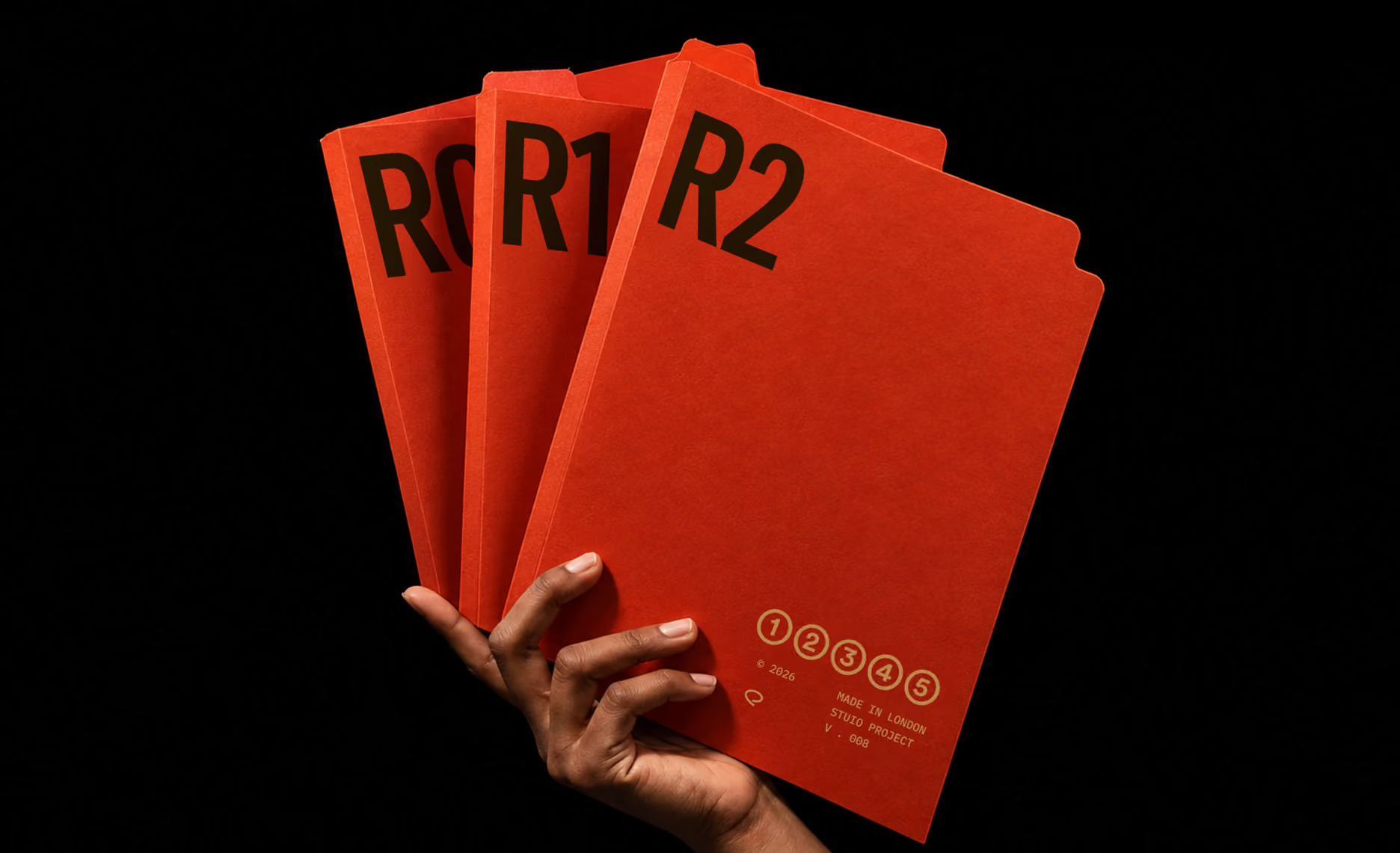
"The very first pass on an asset, before it's gone through a single round of internal review, we just call R0, R for round,” a 3D designer explained.
“There's nothing to count yet, so it starts at zero. The moment an art director gives feedback on it and we go back in, that becomes R1. More feedback, R2. It just keeps climbing for as long as the asset's in the works."
Take a hero shot the studio is building for a client's product launch. The first pass, before anyone's reviewed it, is R0. The art director looks at it and flags the lighting and a composition issue, so the designer goes back in and the next save is R1. Another round, this time on color grading, becomes R2. Doesn't matter how big or small the note was. Every time the file goes back into review and comes back out, the count just moves forward by one.
Versions
So where does a version actually start?
At some point the hero shot has to leave the internal loop and go to the client, and that's where the second label comes in. "We don't call something a version until someone with sign-off authority has actually approved it," the team explained. "So say a hero asset takes four internal rounds before our lead is happy with it. That file becomes R4, and because it's the first thing that ships to the client, it also picks up V1. Both labels live on the same file: R4 | V1."
The R number never actually reaches the client, because the file doesn't go to them directly. It gets uploaded to whatever review and approval tool the studio is using for client-facing work, and only the V label goes with it. "They see V1, V2, V3, in order," the design lead said. "They never see the R number at all. That's just for us."
The count never resets
And crucially, the R count doesn't start over once something ships. "Say the client comes back with notes on V1," the design lead continued. "We go back to work, and the next round is R5, not R1 again. We keep going, R6, R7, however long it takes, until one gets approved and becomes R8 | V2, or whatever the count lands on. The R side is a running total of everything that's ever happened to that asset, start to finish."
This is really the whole idea, condensed into one small mechanic: the label a designer is working under tells them, honestly, what stage the file is at, and the label a client sees never contains information they don't need. Nobody has to remember which of those things applies. The number does it for them.
Why the running count actually helps
"Honestly, there are two reasons we stuck with this practice," the team told us.
- It turns "that felt like a lot of revisions" into an actual number. If one hero visual sat at R14 by the time it shipped, and a supporting graphic only hit R3, that's a real indicator of which asset ate more time that the team can point to.
- It keeps the studio honest about how many feedback rounds a client has actually had. Most contracts cap feedback at two or three rounds before it becomes a scope conversation. With V sitting right in the file name, there's no ambiguity about when a client's crossed into round four.
Where a system like this eventually runs into a wall
None of this needs software to start. It just needs one running count, one client-facing count layered on top of it, and a team that agrees on what each number means. What it does need, indefinitely, is everyone remembering to update the filename correctly, every time, for the life of every project.
QuickProof runs on the same underlying idea, minus that dependency. Work in progress and internal rounds stay visible to the team as they happen. The moment something actually clears internal review, it's automatically relabeled and shared with the client under its own clean version number, with the full internal history still sitting right alongside it for anyone on the team who needs to see it. Nobody has to remember a naming convention or catch a mistake before it goes out.
The system already knows the difference between a piece still in internal rounds and one that's actually cleared review, because that difference is built into how it works.